Site editor
in buildA Chrome extension for editing a site on the page itself. You point at an element with the mouse and say what to change. The editor finds the source file, edits it and rebuilds the page. Nothing goes live until you press Publish.
The path of one edit
Pointing
A click on an element gives the editor its markup, its path on the page, a screenshot and pieces of its text. The source file is searched by those pieces. A card on this site keeps its name, description and link in different fields, and the whole text never matched; with pieces, the editor found the right file, the catalogue source, instead of a project page.
A marker on selected text offers three variants, shorter, or simpler. A block offers another one like it, a different look, or removal. A plus at the edge of a block adds a new one, a double click prints in place. A tick on the page applies the change to the RU version as well.
Steps, Save, Publish
Limits
A block moves among its neighbours: a card goes between cards. Size changes in steps. The site is printed
from text files and has to work on a phone, so pixel placement would not carry over. The editor writes only
inside the project folder, never into .git, and files marked read-only stay unchanged.
Devlog
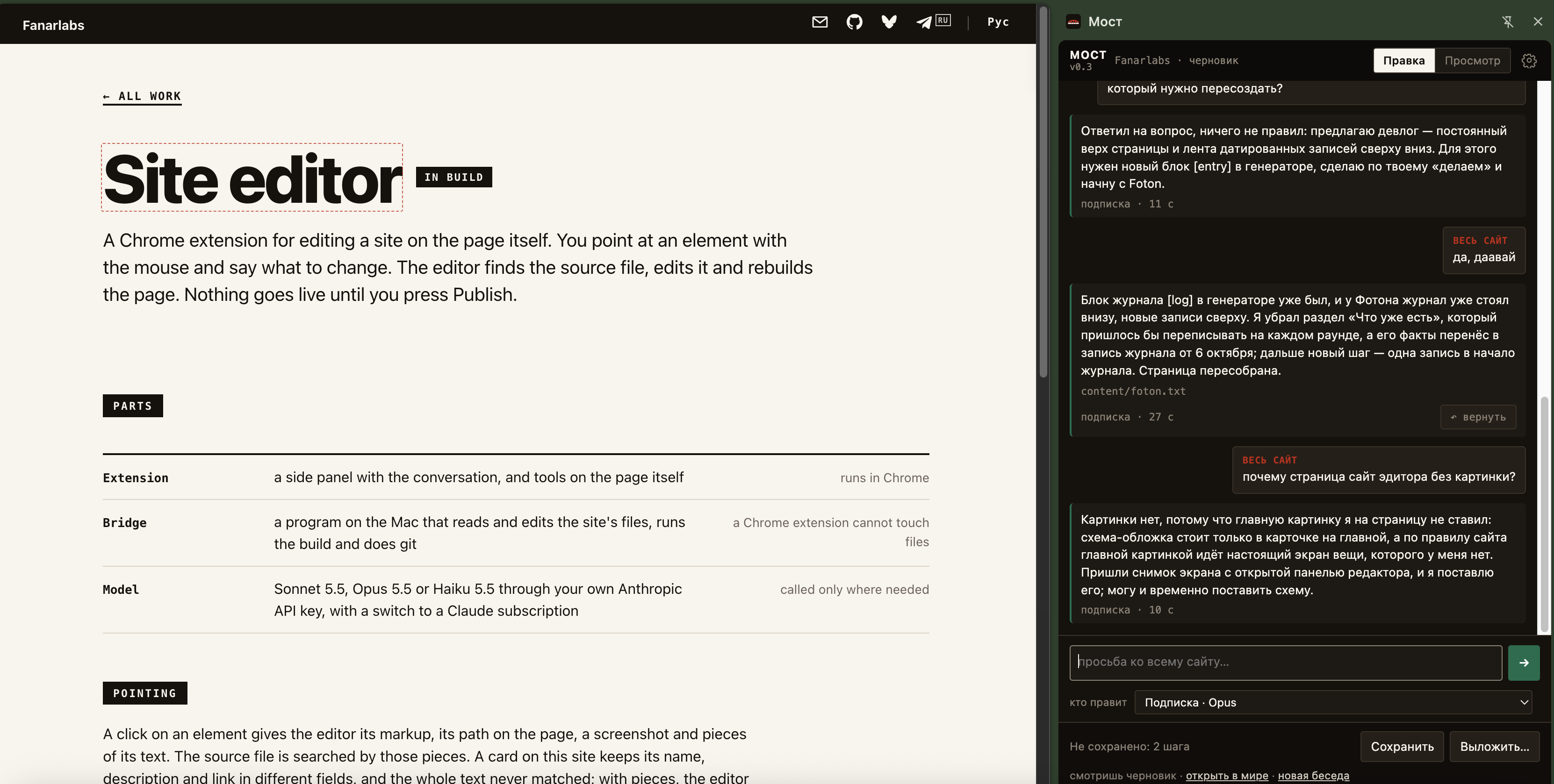
This page and its card on the main page were written through the editor, from its panel. The screenshot above was taken during that work.
Tools moved onto the page itself: a bubble next to an image, a marker on text, a plus at the edge of a block. Save and Publish buttons appeared, and the version number is shown in the panel. Drawing images with AI is switched off for now.
The bookmarklet became a Chrome extension. A live site on https cannot send a request to http://127.0.0.1, so the bookmarklet worked only on a local preview. The extension sends from its own panel and works on fanarlabs.com.
The first version: a bookmarklet. Select a fragment on the page, and a program on the Mac edits the source file.